
7 steps to building a website (2024 guide).
Whether you’re an aspiring entrepreneur, blogger or small business owner, having a website is a must in today’s society. But walking blindly into the world of site creation can be a bit daunting. Fortunately, we’ve got you covered with a detailed list of to-do items to plan a website before you build it yourself or hire a professional to do it for you.

7 steps to building a website
This website steps will serve as an anchor you can refer to for any later decisions as well as a roadmap that can be used to set deadlines and targets
1. Define clear goals for your website
Before you start building a website, you need to know why you are building it.
- What is your primary objective?
- What do you want your website to accomplish for your business?
- Is it strictly informational, or are you selling products?
- Are you looking to increase engagement with customers via your site?
- Is your goal to leverage your website to bolster year-end profits?
Knowing the answers to these questions will help you create a plan that is strategically tied to your business goals, so it’s important to always start at square one: the purpose of your website.
2. Identify your target audience

Once you know what you want users to do on your site, you need to figure out who those users are. Research key demographics to generate buyer attributes like:
- Age
- Location
- Gender
- Profession
The more thorough the picture you have of your target audience, the easier it is to make informed choices when designing user experiences on your website.
3. Finding a domain name and hosting provider
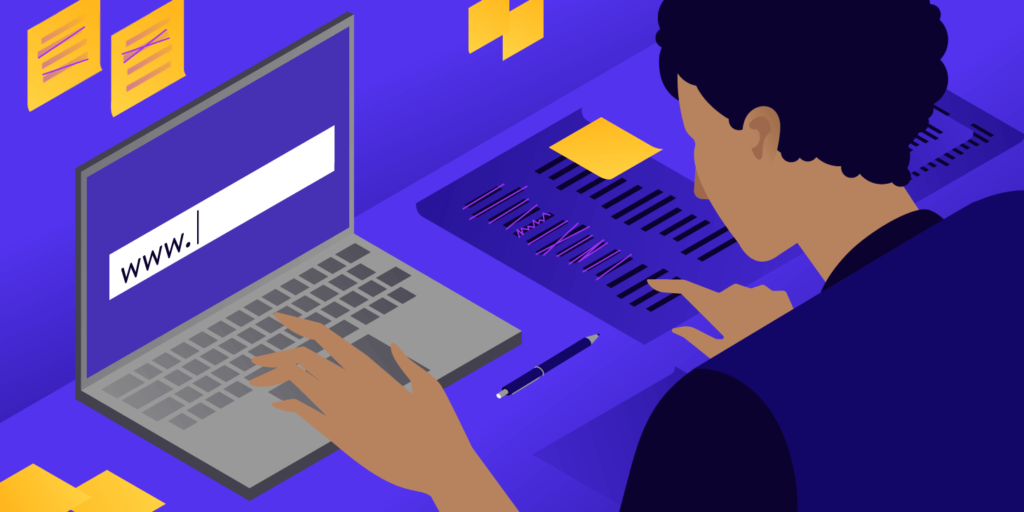
For a website to show up online, it needs both a domain name and hosting.
Think of it this way: Your website is like a house. Your web hosting is the land the house sits on. And the domain is the street address.
When picking a domain and hosting provider, these are the things to consider
- Select a domain name that is short, easy to remember, and directly related to your brand. Avoid overly complex or confusing names.
- Prioritize security and speed when choosing your hosting provider and also the ability to upgrade server capacity and storage space as your website grows. if you need help with this contact us.
Also, your purchased domain name and hosting are only registered for a set amount of time, You don’t buy it and own it forever. You need to continually renew them over the time that you want to keep and use it.
4. Pick a website builder or code it
At this point, you’re ready to choose how you will build your website. You can either:
- Use a website builder like WordPress, or Wix
- Hire a professional web designer
- Hire a web programmer if your website needs custom features that cannot be provided by a designer or website builders
Ask yourself the following questions to get an idea about your needs.
- Do you want to blog?
- Do you want to collect visitor information?
- Do you want to sell products or services?
- Will you accept electronic payment?
- Do you want total control over the site’s code?
- What’s your budget?
These answers will help you determine your best option.
5. Choose elements for your website
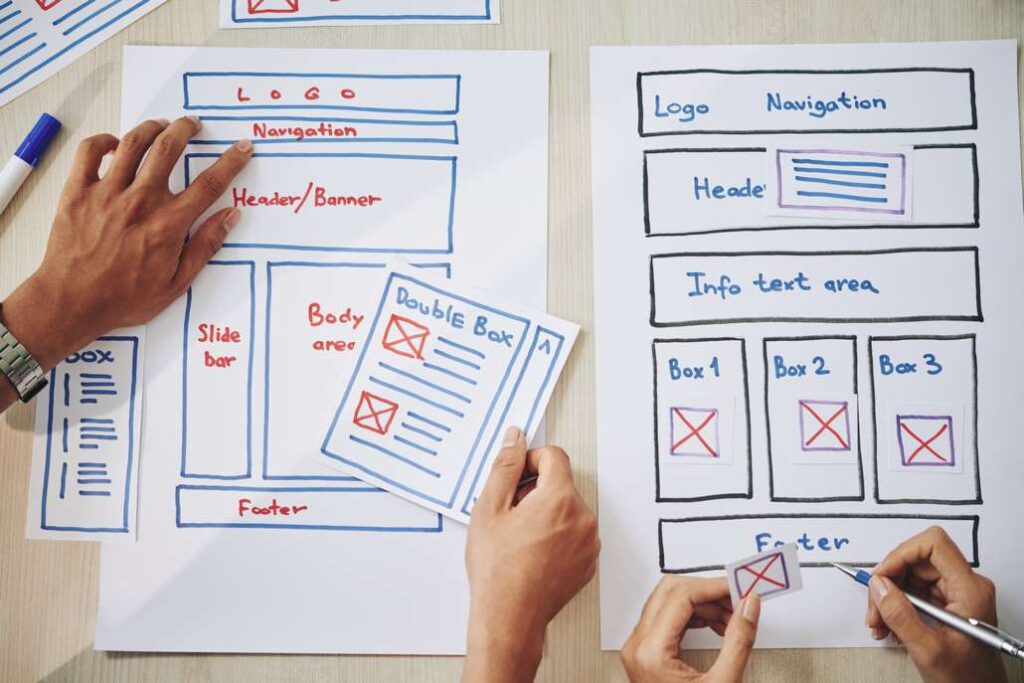
By now, you know how you want to build your site. The next step is to create a brand style guide outlining important design assets to use:
- Logo
- Colors
- Fonts
- Image
- Illustrations
- Animations
- And more.
If you aren’t sure what this means, look at competitor websites and sites you love for inspiration.
6. Create Compelling website content

For a standard website, you should have content prepped for five key pages: the home, about, product/service, testimonial/review, and contact pages. If you plan to have a blog on your site, you should also have at least one blog post ready to go.
Well-planned websites don’t just look nice—they provide value to audiences through engaging content. This is where you can really showcase your creativity and expertise with a strong content marketing strategy. Keep in mind that your web content should be dynamic and evolve with your brand. For example, if your product offering changes, be sure to update descriptions and images.
7. Put the website steps into action
Now, you have everything you need to build a website. All that’s left is putting it to work. Take the next steps to bring your business, idea, or project to life and launch your site.
Looking for a professional web designer or developer to build your site? hire us